
Three ways to turn ideas into something real.
App Studio and Game Studio build programming foundations with visual blocks. AI Studio builds on that understanding to create and publish apps with AI.
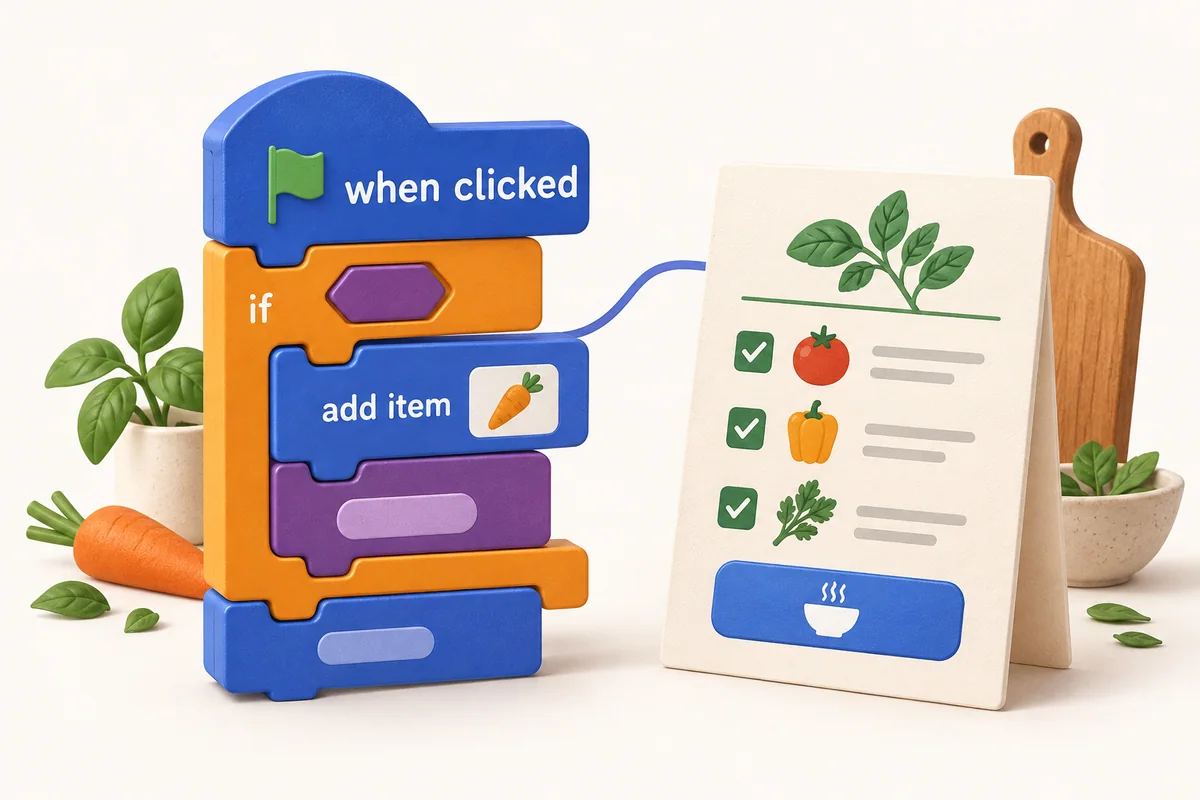
App Studio
Build apps with block coding.
Students connect visual coding blocks to make working applications. They build the logic themselves, one block at a time, and see how all the parts fit together.
- Design the interface
- Connect screens, buttons and inputs.
- Build the logic
- Use variables and conditions to decide what happens.
- Work with data
- Use information to make the app useful.
Game Studio
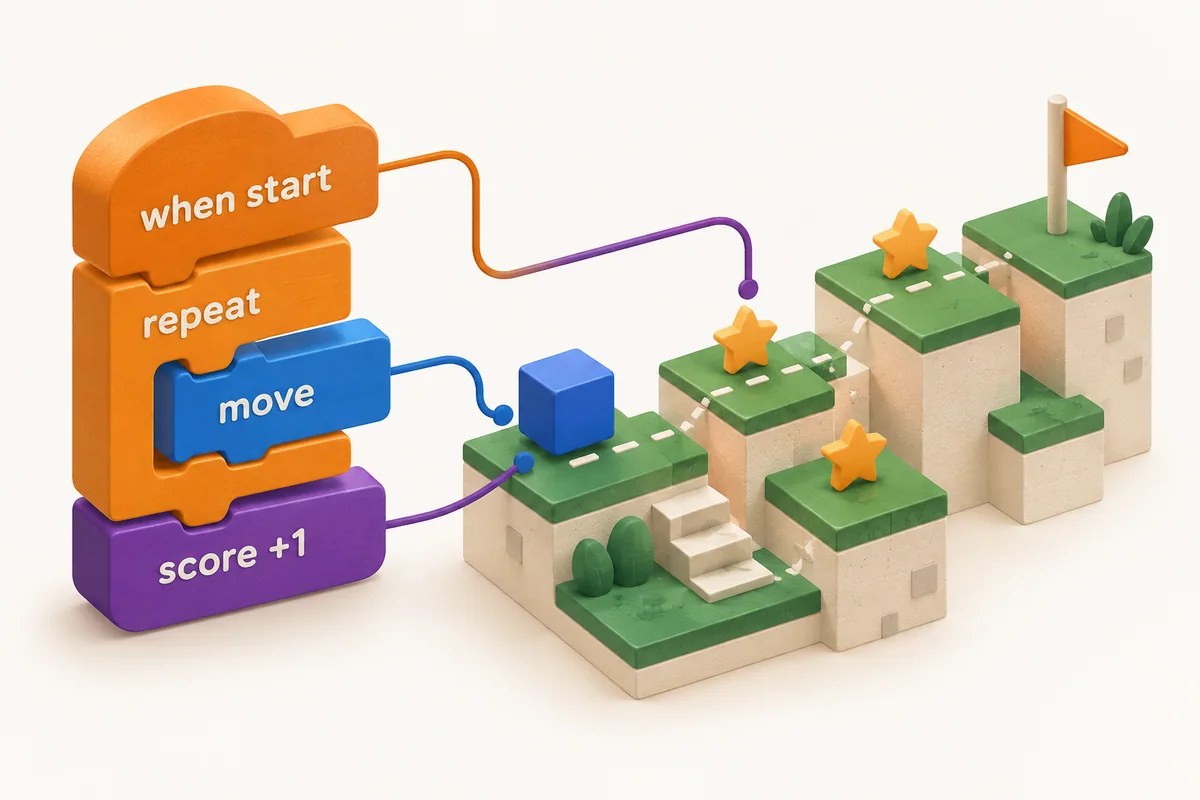
Build games with block coding.
Students program characters, objects and interactions with visual coding blocks. Every change to their code has a result they can see and try in their game.
- Make things happen
- Use sequences and events to control the action.
- Give the game its rules
- Work with loops, conditions, variables and functions.
- Play, check and improve
- Try the game, find a problem and change the code.
AI Studio
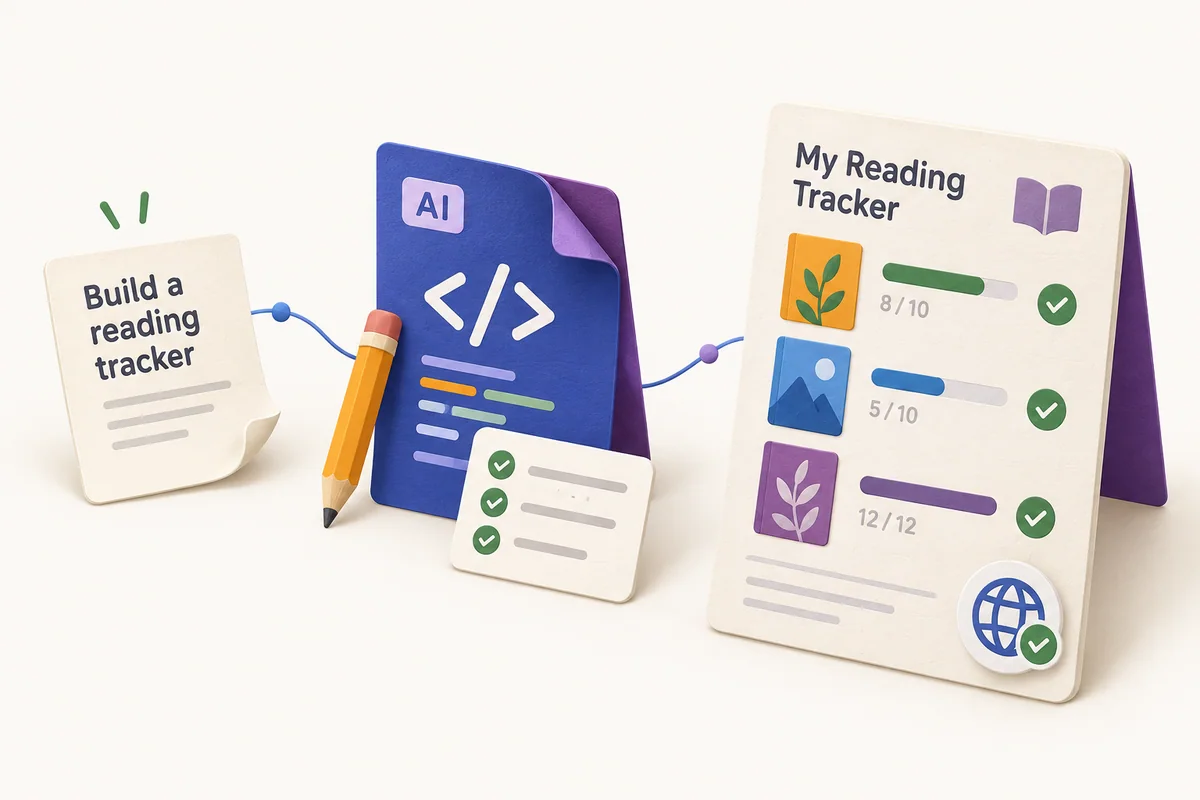
Build and publish apps with AI.
Students describe an idea and work with AI to turn it into a functioning app. They test and refine the work, then publish a finished app that other people can use.
- Give AI a clear direction
- Explain the goal, provide context and ask useful questions.
- Understand and evaluate
- Understand the software, check AI’s work and troubleshoot problems.
- Improve and publish
- Iterate, test the app and share it with others.
Understand software.
Then build with AI.
Children first learn to break problems down, build the logic and understand how software works. That foundation helps them guide AI, question its decisions and take responsibility for what they create.
Follow the learning journey- App Studio
- I learn to build software myself.
- Game Studio
- I learn programming by making interactive experiences.
- AI Studio
- I learn to build software with AI.